English
Getting Started with DirectPort
DirectPort is a comprehensive platform for inland shipping operations, serving voyage operators, vessel/fleet managers, terminal operators, and inspectors. This guide will help you get started quickly.
What is DirectPort?
DirectPort is built specifically for inland shipping and provides:
- Voyage Management - Create, manage, and track voyages from planning to completion
- Terminal Operations - Manage loading/discharge operations, schedules, and equipment
- Vessel Management - Track vessels, staff, maintenance, and operational data
- Document Management - Handle contracts, reports, and certifications
- Financial Management - Track costs, invoices, and financial reporting
- Mobile App - Keep captains connected with real-time voyage updates
Accessing DirectPort
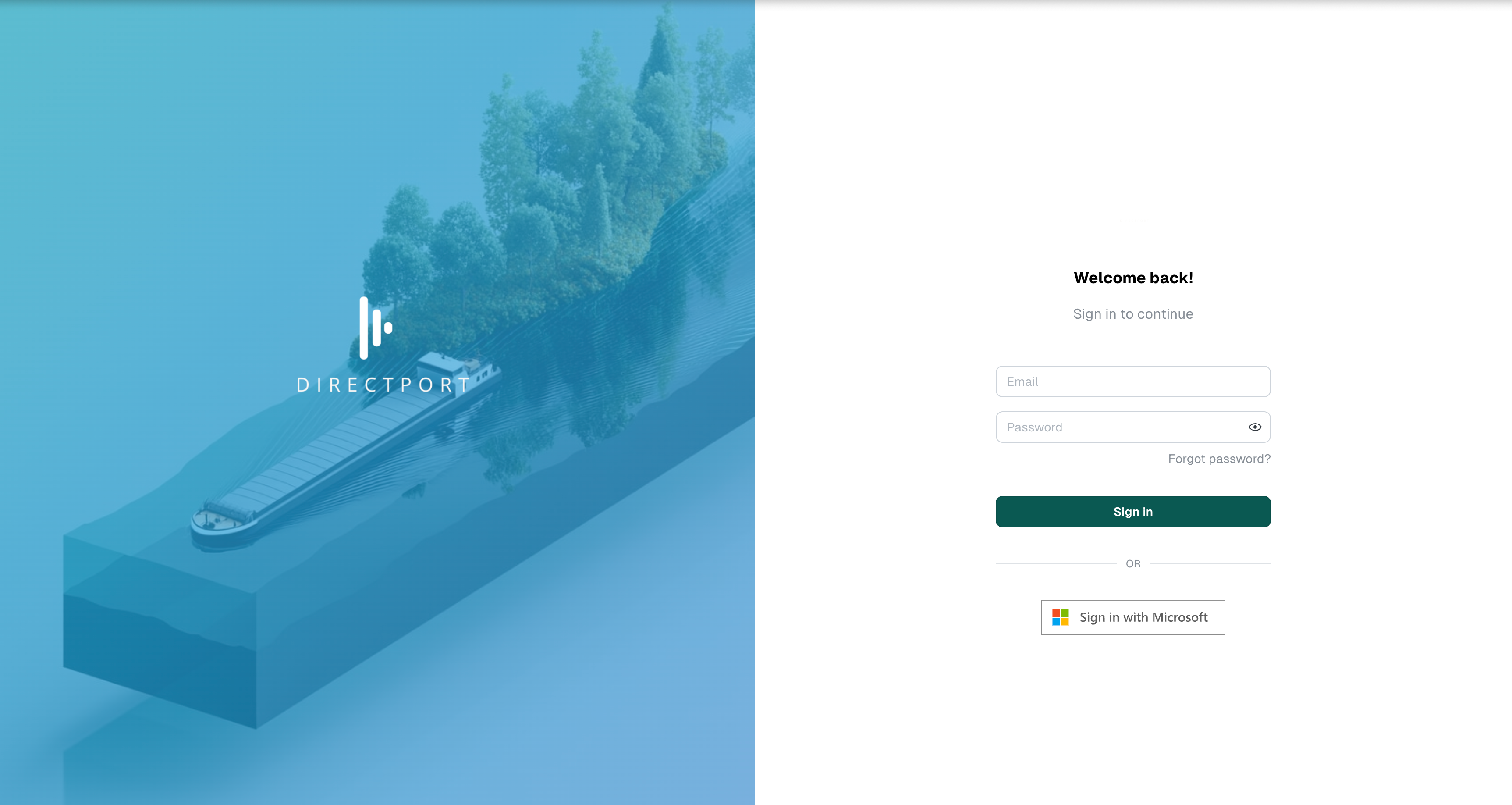
Web Application
- Go to your DirectPort platform URL (e.g.,
yourcompany.directport.eu) - Click "Login" in the top right corner
- Enter your email and password
- Click "Sign in"
First Time Login
If you're logging in for the first time, you may need to complete an onboarding process to set up your profile and permissions.
Multi-Tenant Platform
DirectPort serves different companies through dedicated environments:
- Each organization has their own instance (e.g.,
acme.directport.eu) - Data and users are completely isolated between tenants
- Features and modules can be customized per organization
Core Concepts
Voyages
Voyages are the heart of DirectPort - they represent the movement of cargo from one location to another.
A voyage includes:
- Route - Loading and discharge locations with stops
- Cargo - Product type, weight, and specifications
- Vessel - Which ship will carry the cargo
- Stops / Route Operations - Planned and actual departure/arrival times
- Documents - Bills of lading, contracts, and certificates
- Financial - Costs, freight rates, and billing information
Voyage Lifecycle:
- Request - Initial cargo movement request
- Proposal - Detailed plan with vessel, route, and costs
- Active - Voyage is underway
- Completed - Cargo delivered successfully
Modules
DirectPort is organized into modules that can be enabled based on your role:
- Dashboard - Overview of operations, water levels, fuel prices
- Voyages - Plan, track, and manage cargo movements
- Terminals - Operations, schedules, delays, and equipment
- Vessels - Fleet management, maintenance, and staff scheduling
- Documents - Contract management and document templates
- Financial - Invoicing, costs, and financial reporting
- QHSE - Quality, Health, Safety, and Environmental forms
- Master Data - Locations, products, parties, and cargo types
User Roles & Permissions
DirectPort uses role-based access control
- Voyage Operators - Create and manage voyages and contracts
- Vessel/Fleet Managers - Manage vessels, staff, and vessel contracts
- Terminal Operators - Handle terminal operations and schedules
- Inspectors - Limited access for inspection workflows
- Captains - Mobile app access for voyage updates and event logging
These default roles can further be customized for your organization with custom roles.
Navigation & Interface
Main Sidebar
The left sidebar provides access to all modules:
- Click module icons to navigate between sections
- Some modules may be hidden based on your permissions
- Selected terminal/vessel context affects available options
Global Search
Use the search bar in the header to quickly find:
- Voyages by reference or vessel name
- Locations and terminals
- Documents and reports
- Any page or feature in the system
Data Grids
Most list views use powerful data grids that support:
- Filtering - Click column headers to filter data
- Sorting - Click column headers to sort
- Export - Download data to Excel or CSV
- Column Management - Show/hide and reorder columns
Key Workflows
For Voyage Operators
Create a Voyage Request
- Navigate to Voyages → Requests → Create
- Define cargo, route, and requirements
- Submit for planning
Plan a Voyage
- Go to Voyages → Workspace
- Review requests and create proposals
- Assign vessels, routes, and costs
- Publish to activate the voyage
Track Progress
- Monitor active voyages in real-time
- Receive updates from captains via mobile app
- Manage documents and financial information
For Terminal Operators
View Operations
- Navigate to Terminals → Operations
- See scheduled loadings and discharges
- Track vessel arrivals and operations
Manage Schedule
- Use Terminals → Planner for scheduling
- Coordinate vessel queues and resources
- Handle delays and adjustments
For Vessel Managers
Monitor Fleet
- Go to Vessels for fleet overview
- Track vessel locations and status
- Manage maintenance and inspections
Schedule Staff
- Use Vessels → Staff Schedule
- Assign captains and crew to voyages
- Coordinate shift patterns
For Captains (Mobile App)
See the How-to Mobile App guide for more information.
Getting Help
Documentation
- Mobile App Guide - Complete guide for vessel captains
- API Documentation - For developers and integrations
- Feature Guides - Detailed explanations of specific features
Support
Email: support@directport.eu
- Response within 24 hours on business days
- Include your company name and detailed description
- Screenshots helpful for technical issues
Training
Contact your system administrator or DirectPort support for:
- User training sessions
- Feature demonstrations
- Best practices workshops
Next Steps
- Explore Your Modules - Check which features are available to you
- Set Up Your Profile - Complete your user profile and preferences
- Learn Key Workflows - Focus on features relevant to your role
- Download Mobile App - If you're a captain or need field access
- Contact Support - Get help with any questions or setup needs
Ready to dive deeper? Check out our Mobile App Guide for vessel captains or contact support@directport.eu for personalized assistance.